 NVDA SIGNALS
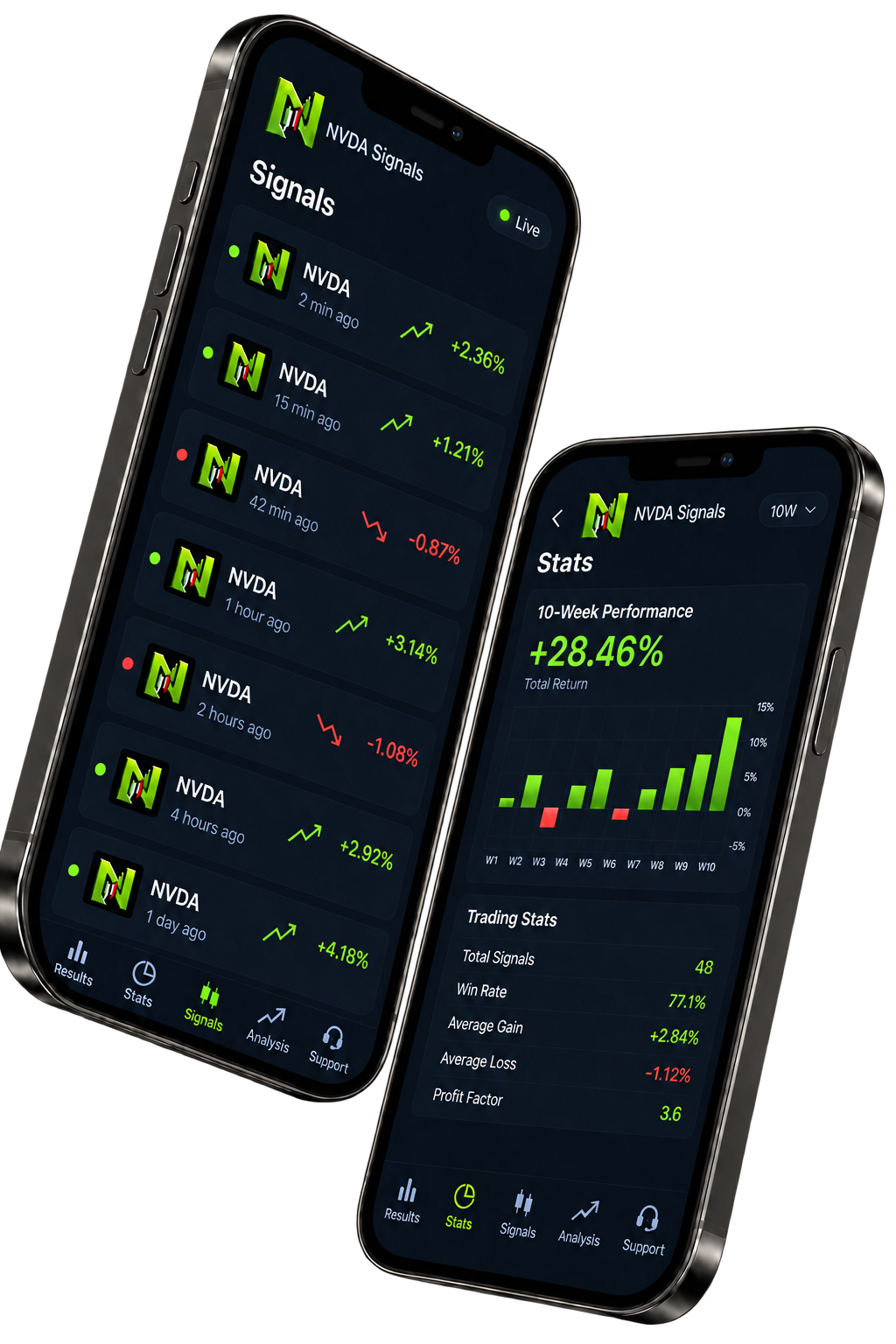
Structured alerts
Review the market, timeframe, direction, entry trigger, invalidation, targets, and current status in one place.
The NVDA Signals mobile app is planned for NVIDIA stock setups. Public App Store and Google Play downloads are not currently available. You can explore the web setup examples while you review what the product is designed to do.
NVDA Signals is an NVIDIA-focused mobile product for structured stock setups, closed results, company context, and education.
NVDA is NVIDIA Corporation's Nasdaq-listed common stock. A signal defines a setup; share quantity and broker terms determine cash exposure.
The planned app experience brings together the market, direction, entry, invalidation, targets and status of a setup. Trading decisions and execution remain with the user and their separate broker account.
Review the market, timeframe, direction, entry trigger, invalidation, targets, and current status in one place.
Separate completed outcomes from open ideas and illustrative examples. Past performance never guarantees future results.
Read market-specific analysis and education built around NVDA, without unrelated signal noise.
A focused workflow for reviewing market setups without handing over control of your account.
See how a NVDA idea connects an entry condition, invalidation and potential targets.
Use the market guides to understand structure, catalysts and the difference between a price move and a trade setup.
Explore the position-size calculator and see how stop distance changes a hypothetical position.
Not a vague tip. A structured setup with the invalidation shown alongside the potential targets, so you can evaluate the risk before taking any action.
A clear boundary around what NVDA Signals does—and what remains your decision.
Markets are uncertain and losing setups happen. Past results never guarantee a future outcome.
You stay in control. We send the alert, you decide whether to take the trade. Your money never touches us.
The app shows setup context, but position size and leverage remain your responsibility.
Alerts appear only when a NVDA setup meets the product's conditions. Some periods may be quiet.
Review structured alerts, closed outcomes, and focused market education in NVDA Signals.
The availability and access options on this page are the current starting point. For account-specific help, contact support using the details below.
Check notification permissions for the app in your phone settings, your connection, and any Focus, Do Not Disturb or battery restrictions. Include your device and app version when contacting support.
No. Review the setup in the app, then choose your size and place any order through your own trading platform.
Review the price, billing period and any trial terms shown at checkout before confirming a purchase. Account and billing questions can go to support.