 NVDA SIGNALS
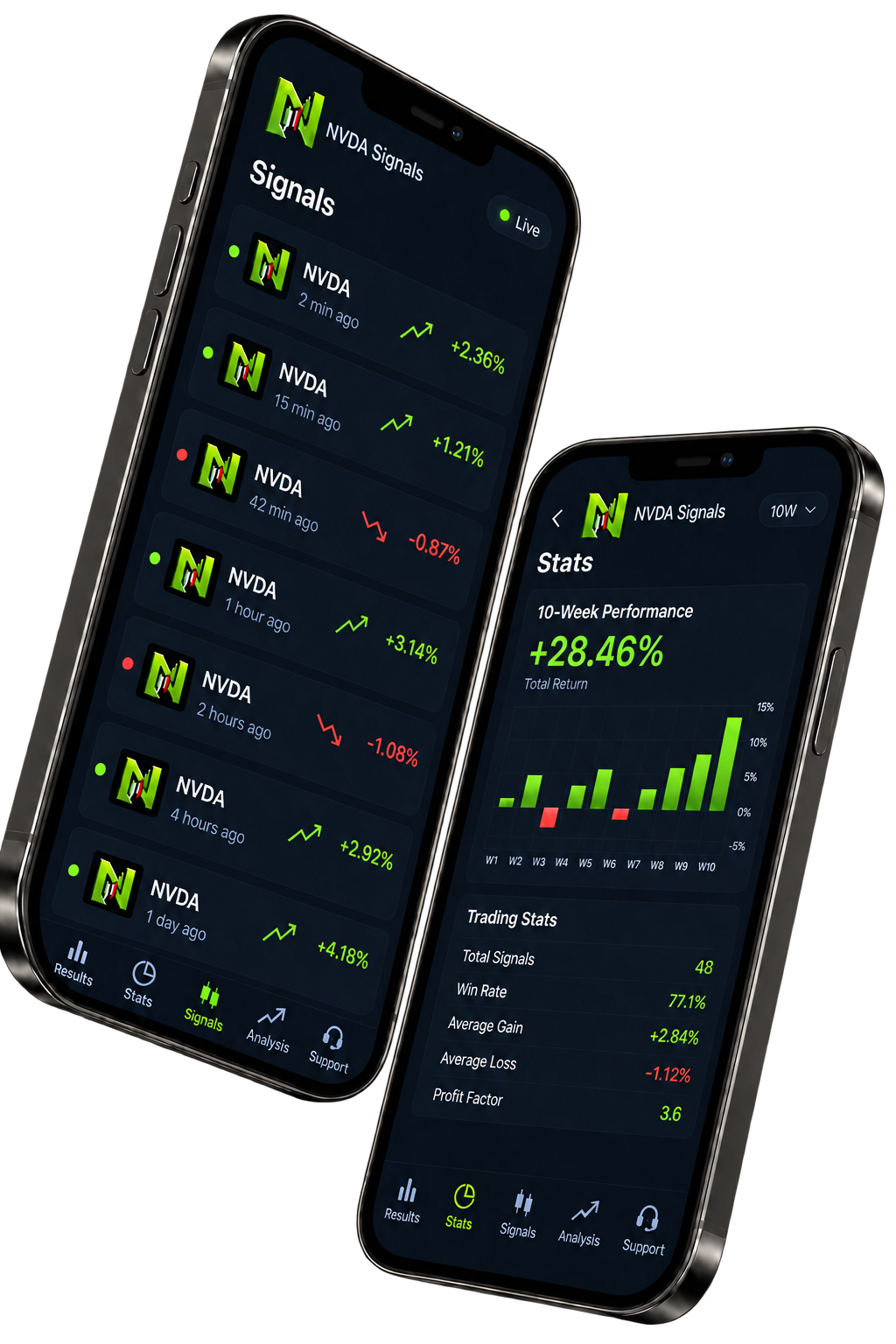
What does the app provide?
It provides NVDA-focused alerts, closed results, market context, and educational tools in one product.
What can a signal include?
A signal can include direction, timeframe, entry trigger, invalidation, targets, and status. Review the full setup before making a decision.
How often are signals published?
There is no guaranteed number of signals. Alerts appear only when a NVDA setup meets the product's conditions.
Does the app place trades?
No. The app does not connect to brokerage or exchange accounts, hold funds, or execute orders.
Are signals financial advice?
No. Signals and website content are informational and educational only and do not account for your personal financial circumstances.
How do I restore a subscription?
Use Restore Purchases while signed into the same Apple or Google account that made the purchase. Store availability and eligibility can vary.
What if notifications are missing?
Check app notification permissions, your connection, Focus or Do Not Disturb settings, and battery restrictions. If the issue continues, send support your device, app version and the approximate time of the problem.
Where can I check pricing and billing terms?
Review the price, billing period and any trial terms shown at checkout before confirming a purchase. Manage an existing store subscription through the Apple or Google account that made the purchase.
Where can I get help?
Email info@nvdasignals.io or use the support page. Do not send passwords, payment-card details, or private account credentials.
Still need help? Open support.