 NVDA SIGNALS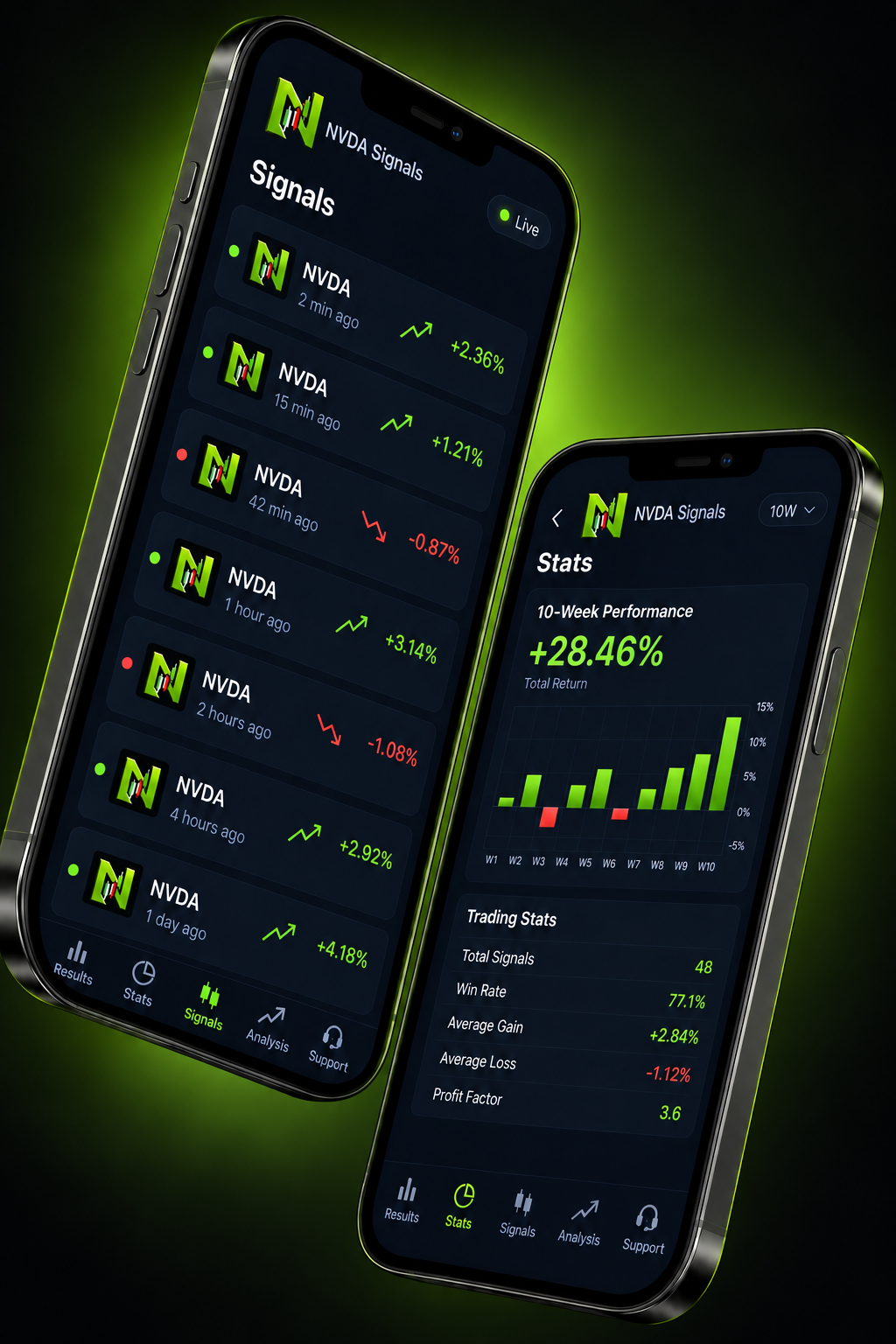
Entry condition
The price level or market condition that activates the idea, instead of a vague buy-or-sell instruction.
NVDA can react quickly to company news and broad market repricing. The app keeps the important parts of a setup together so you can assess it without relying on a one-line call.
The price level or market condition that activates the idea, instead of a vague buy-or-sell instruction.
The level that shows the thesis is no longer behaving as expected. Execution can still differ during fast moves.
Potential exit levels for planning. Targets are scenarios, not guaranteed fills or returns.
A clear bullish or bearish bias, plus enough timing context to understand the intended setup horizon.
Relevant earnings, guidance, product and industry events that may support—or undermine—the setup.
Review completed setups on the results page, including losing outcomes, before deciding how to use alerts.
Download the app for iOS or Android, inspect the setup, calculate your own size and verify every order with your broker.
Confirm the ticker, share class and session match the setup.
Compare entry, stop and targets with the current market.
Choose a risk amount you can afford to lose.
Ignore the alert if price has already moved beyond your plan.
Download for iOS or Google Play and review each setup in context.